Does this replace a full study plan?
No. It helps at the execution stage after you already chose the right task. Planning and visibility solve different problems.
Surface-level visibility does not fix bad planning. A lock-screen workflow helps only after you define a tight next action and a realistic study block.
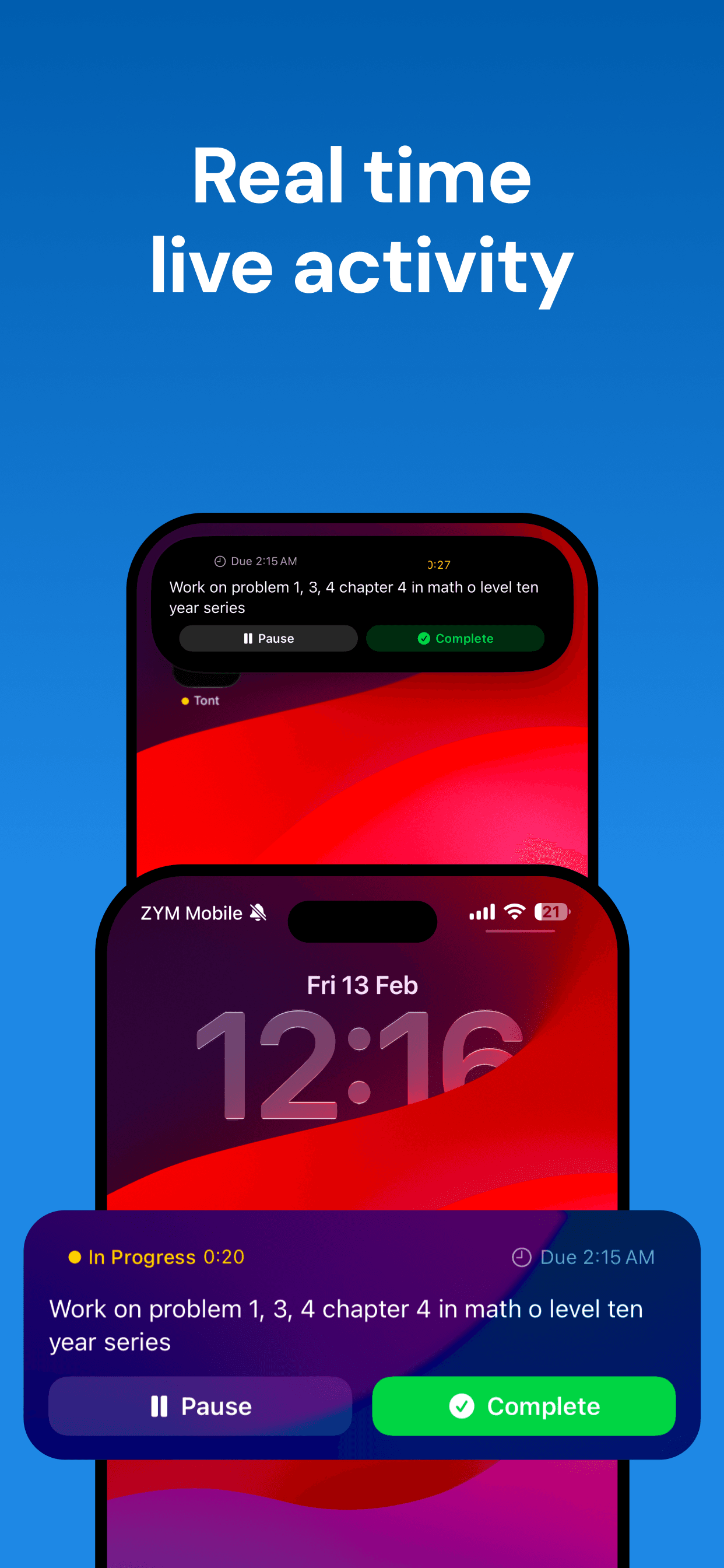
Students rarely lose momentum only at the desk. They lose it in the gaps between classes, after breaks, and when unlocking the phone for something unrelated. A visible task cue helps because it reduces the odds that you reopen your whole planning stack every time you want to get back on track.
That makes the lock screen a re-entry tool, not a motivation trick. Its purpose is to preserve context during messy days.
A lock-screen reminder to “study economics” is not helpful. A reminder to “finish the elasticity problem set question 3 to 8” is. The smaller and more behavior-specific the task, the more valuable the visibility layer becomes.
This follows the same logic as effective study planning in general: clarity first, visibility second.
This approach works best for students who already know what they need to do but struggle to re-enter after interruptions. It is less useful if your main problem is choosing priorities in the first place.
If your day is fragmented, though, a visible active task can reduce the temptation to fall back into inboxes, chats, or endless list maintenance.
No. It helps at the execution stage after you already chose the right task. Planning and visibility solve different problems.
No. It is often even more helpful for fragmented student days where you need to recover context quickly.
Princeton resource
Dartmouth guide
Updated 2025
If you want a lighter execution layer after planning and study prep, TONT keeps the next task visible without turning your day into another maintenance project.
Explore TONT