27 October 2026
The to-do app that would rather you didn’t open it.
TONT 4.0 puts your running task on the Lock Screen and gets out of the way.
- Lock Screen and Dynamic IslandGroups with their own coloursA one-minute tourNo ads. No subscription.
Meet TONT
A to-do app that wants you to stop looking at it.
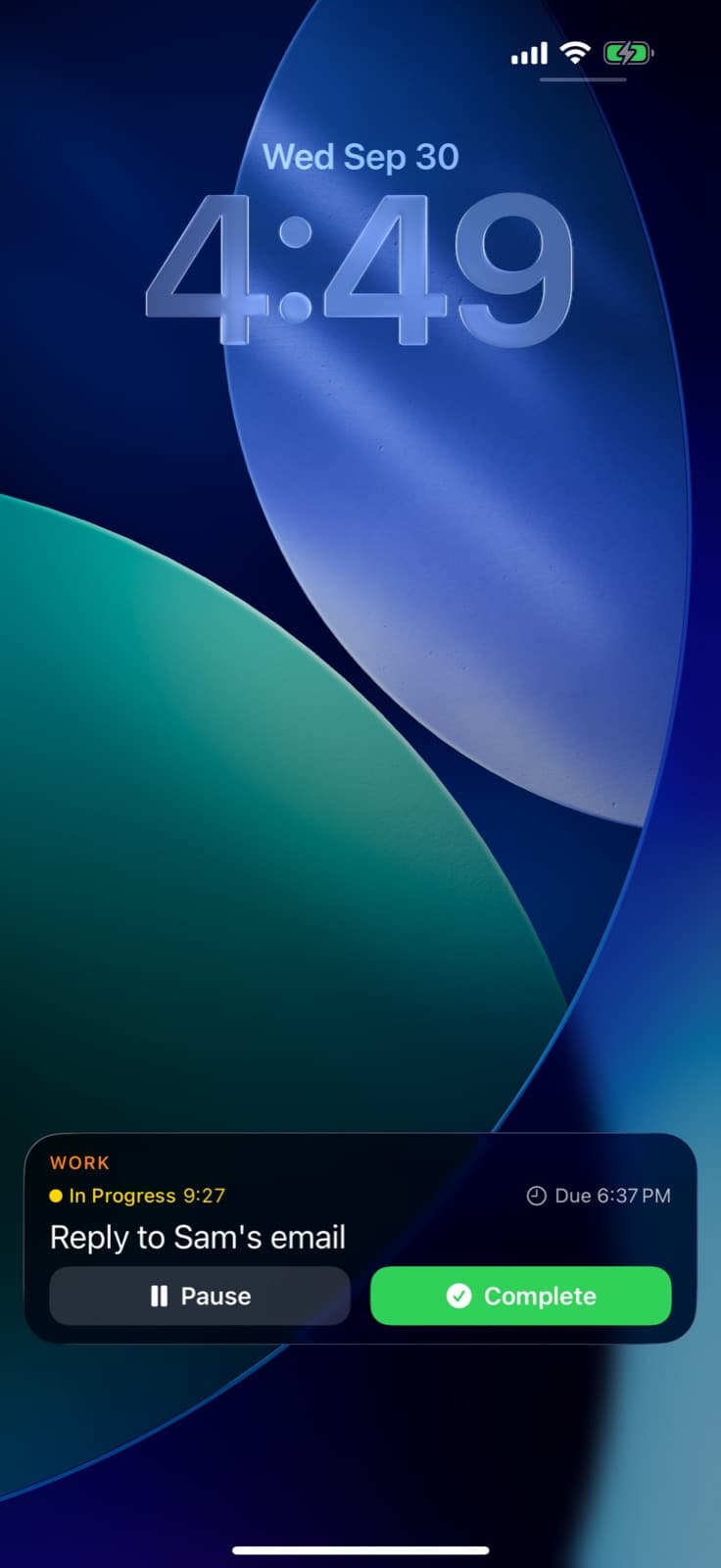
Start a task and it follows you to the Lock Screen and the Dynamic Island, timer ticking. Everything else is four buckets: Today, Tomorrow, Upcoming, Someday. No account. No folders. No subscription.
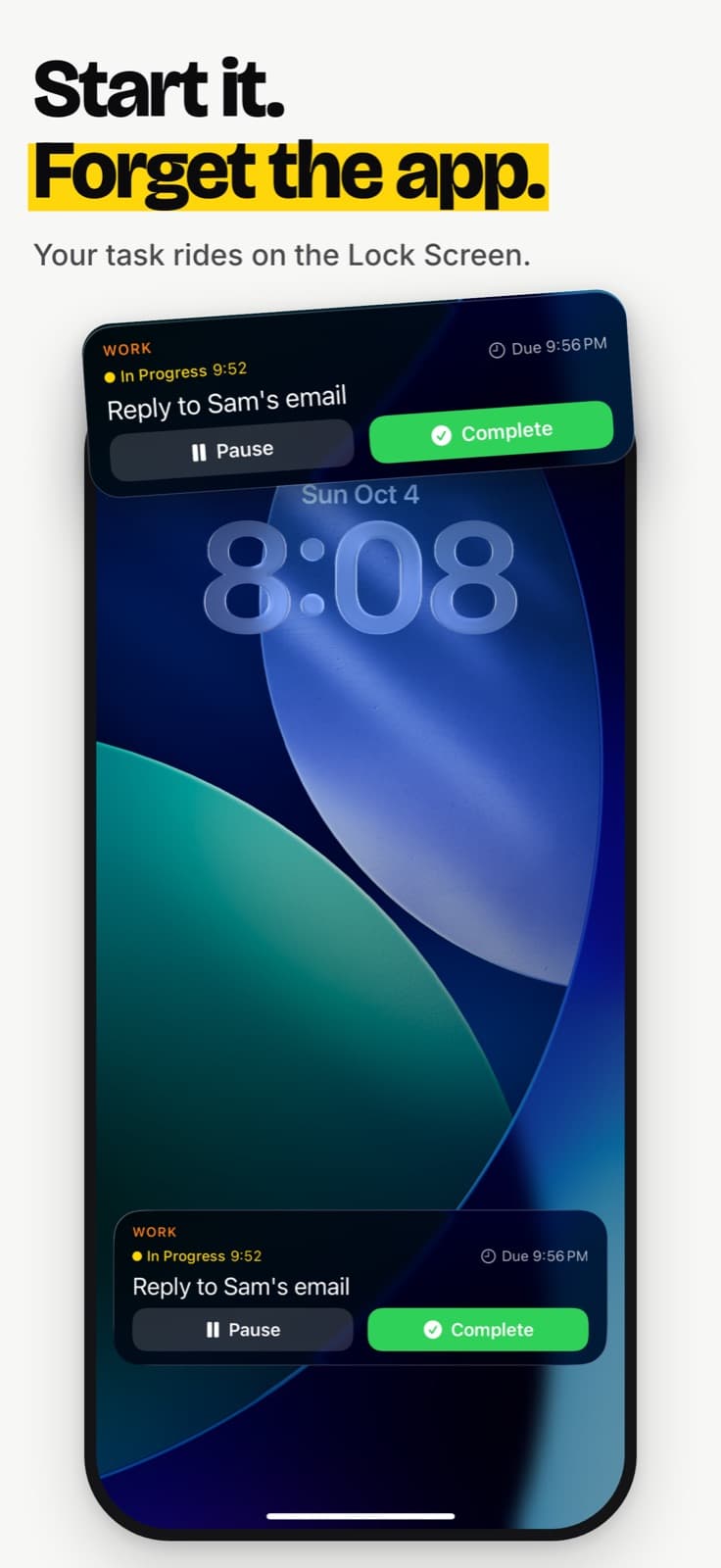
Start it.
Swipe a task right. It gets a live timer on your Lock Screen, so you can put the app down.
Sort it.
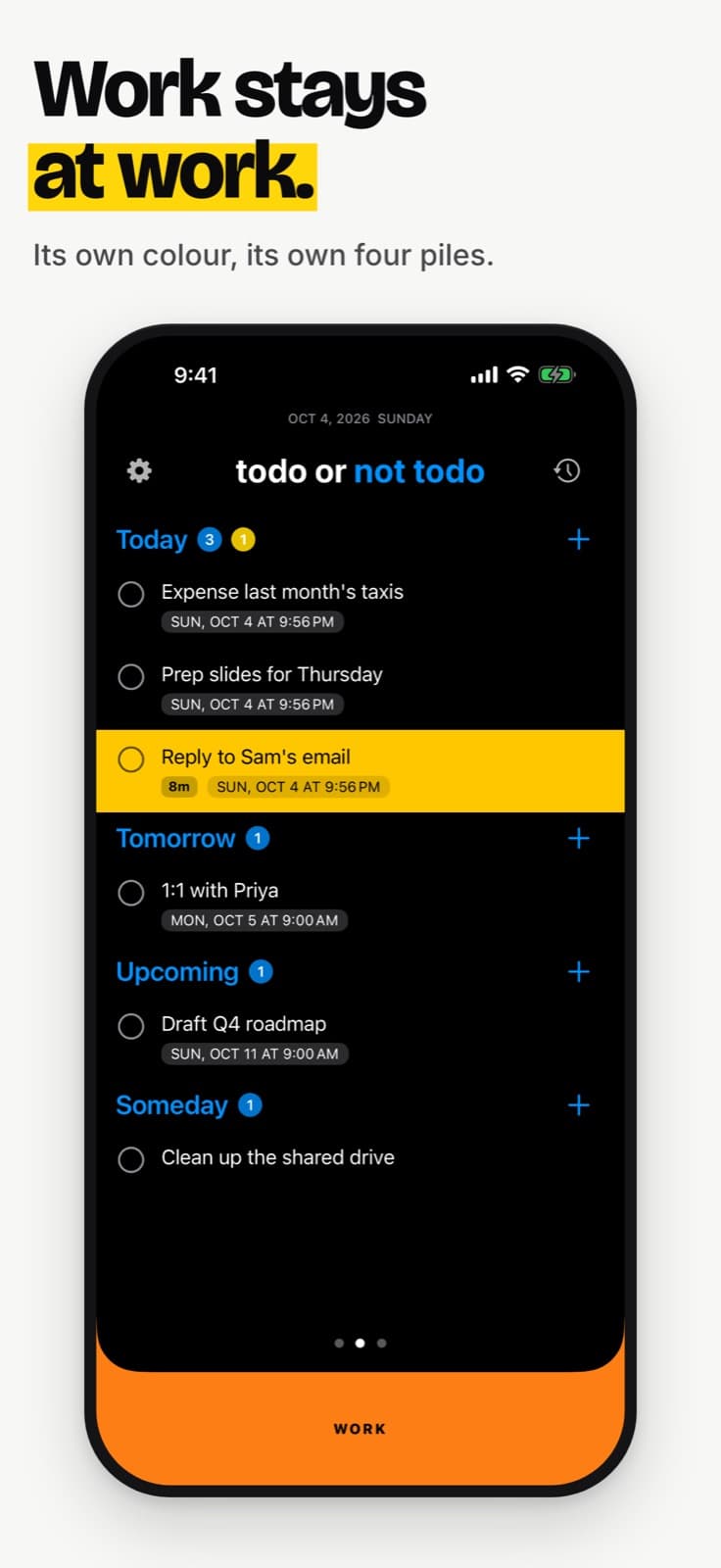
Four buckets, with a due time picked for you. Work and home each get their own colour.
Prove it.
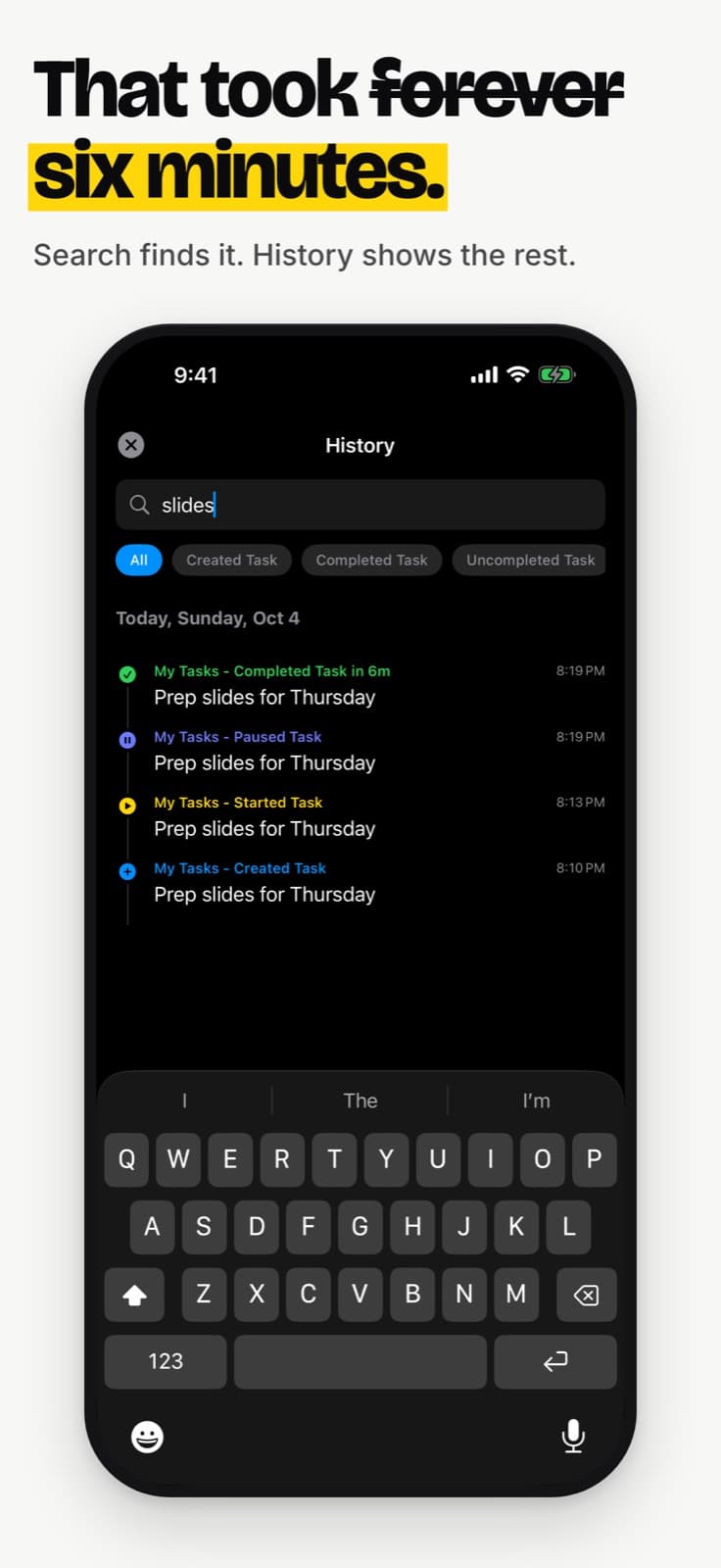
Done tasks stay until midnight, so you can gloat. History keeps every win, by day.
- No account
- No ads
- No subscription
- Pay once
See it
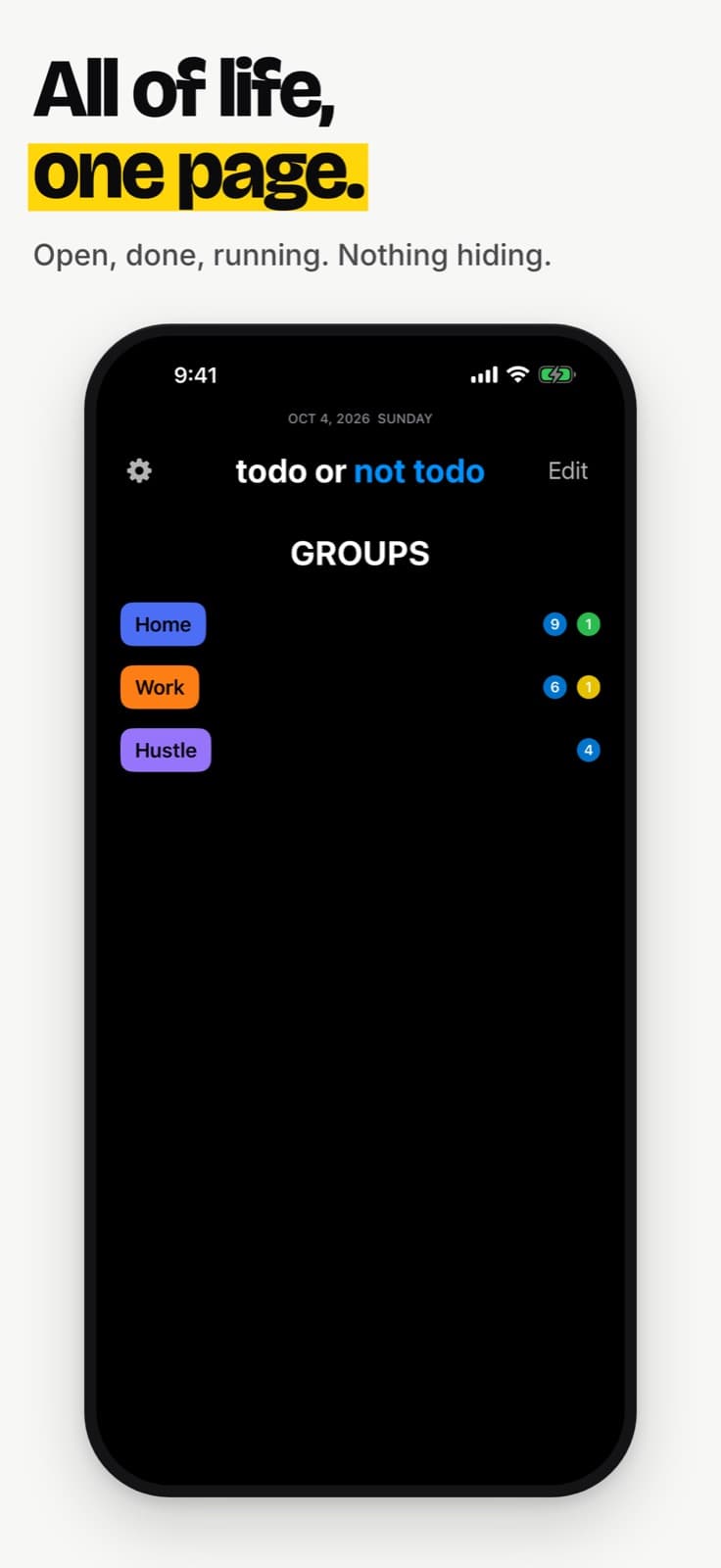
Open, done, running.
Six screens from TONT 4.0. Swipe sideways.
What’s inside
Everything in 4.0, none of the clutter.
Lock Screen and Dynamic Island
Start a task and it rides along with a live timer. Up to three at once, each with its own card.
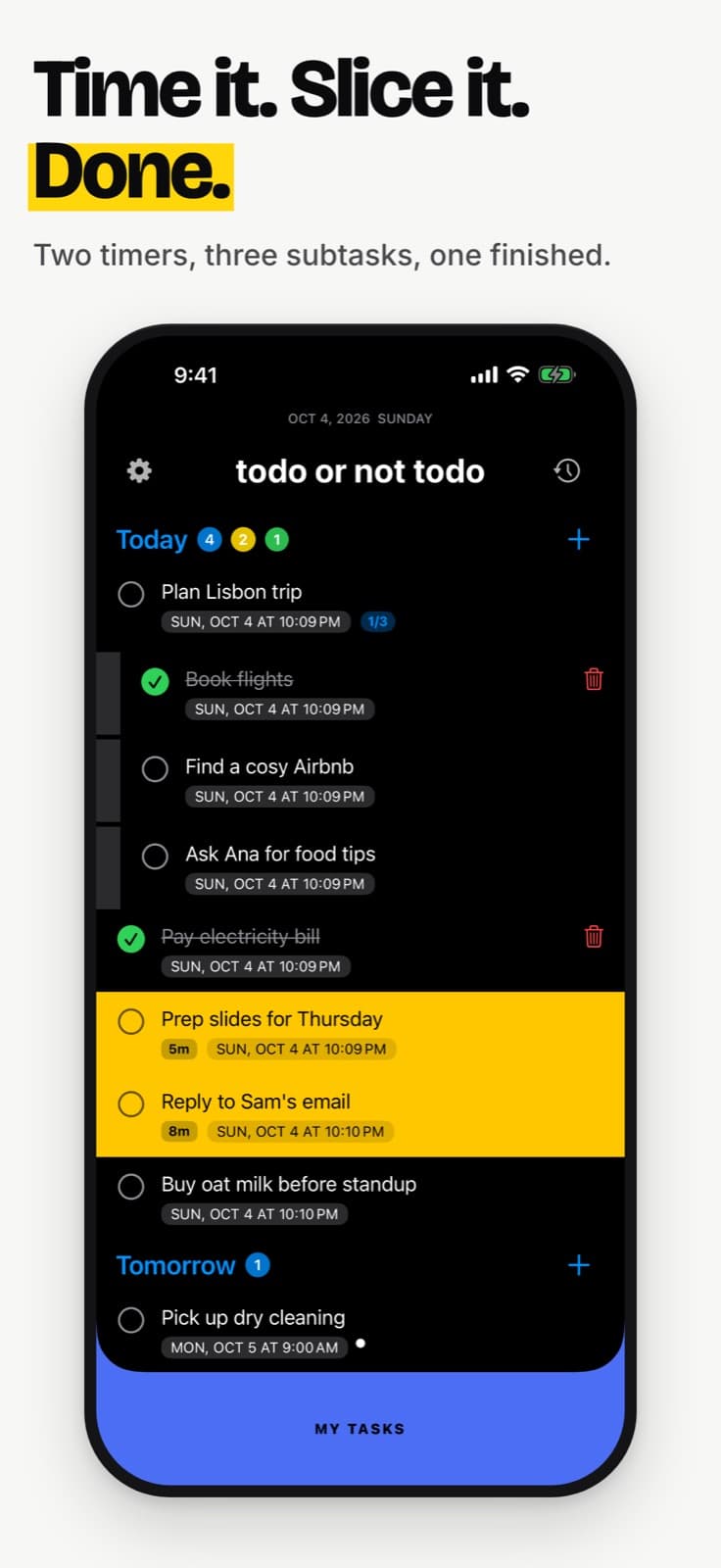
A timer that counts honestly
Pause for an hour, come back, resume. Only the time you actually worked is added up.
Four buckets, sensible times
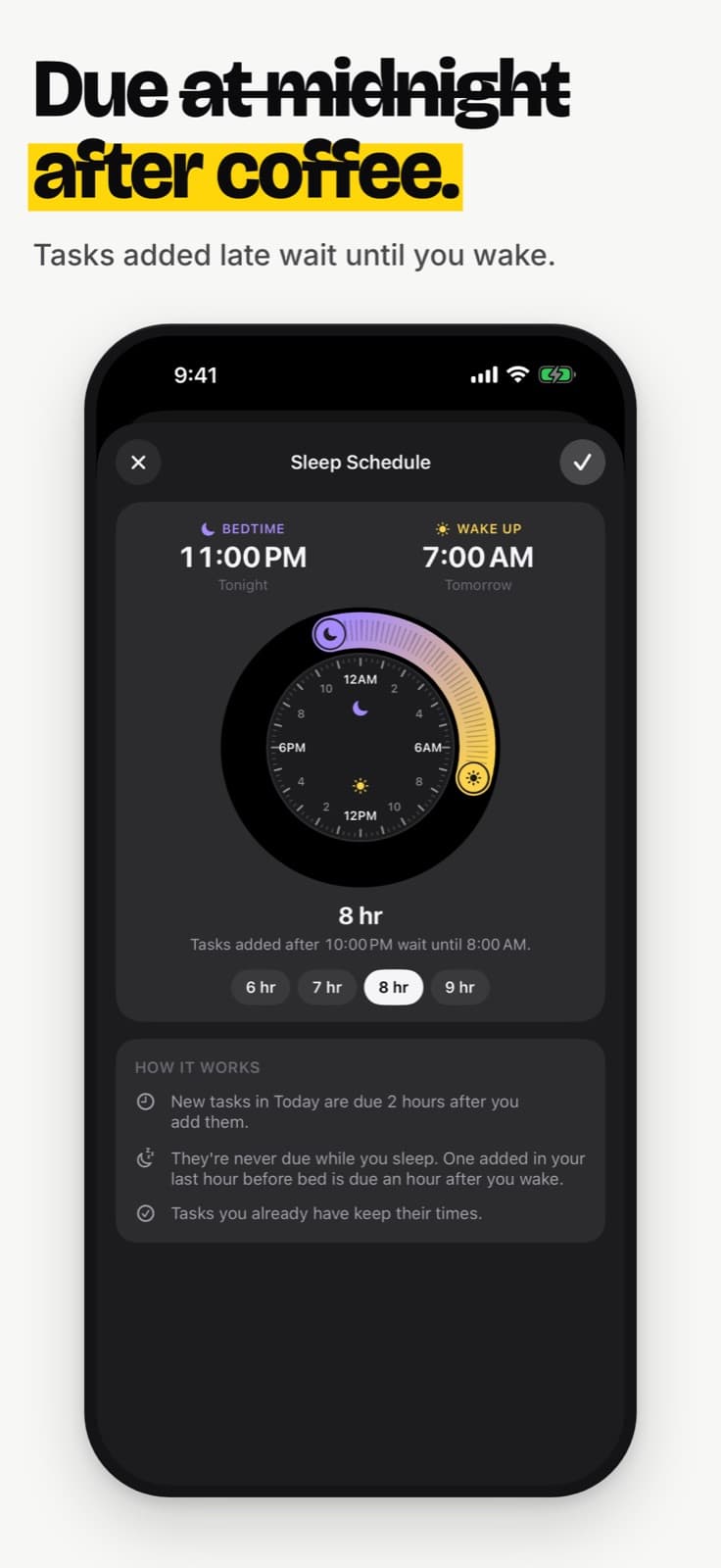
Today is due in two hours, or 8 AM if it is late. Tomorrow is 9 AM. Upcoming is a week out. Someday has no date.
Groups with their own colour
Keep work, home and your side hustle apart. Swipe the bottom bar to switch worlds.
Subtasks with a progress badge
Long press a task to break it into steps. Finish the parent and the steps go with it.
Apple Reminders, both ways
One switch in Settings. Tasks appear in a TONT list in Reminders, and what you add there comes back.
Reminders that help you start
Five kinds, each with its own switch. Act from the notification: start, snooze, finish or move it.
A sleep schedule
Nothing is ever due while you sleep. A task added in your last hour before bed waits until after you wake.
History with search
See what you finished, when you started and how long it took. Search it by task name.
New in 4.0
Nine gestures. One minute.
A walkthrough that runs on your real list, not on slides. It dims the screen, points at one control and waits for you to do the real thing.
Skip it on any step. Replay it from Settings. And yes, there is a gesture you may not have found yet.
- Tap + to create a task
- Tap it to edit the title or time
- Swipe right to start the timer
- Lock your screen and find it there
- Tap the circle to finish
- Delete with the trash or a swipe left
- Swipe the bottom bar to make a group
- Swipe the other way to see all groups
- Pull the title down. Hard.
Price
Pay once. It’s yours.
Instead of MonthlyYearlyRenews forever
No subscription, no ads, no account. Your tasks stay on your iPhone.
TONT
One purchase on the App Store. Price shown there.
- Lock Screen and Dynamic Island timers
- Four buckets and groups
- Subtasks, History and search
- Apple Reminders sync
- Five kinds of reminder, a sleep schedule

Questions
Quick answers.
No. There is no sign-up. Your tasks are stored on your iPhone.
No. You pay once and there are no ads.
It arrives as a regular App Store update. Upgrading users do not see the walkthrough unless they ask for it from Replay walkthrough in Settings.
Yes, up to three. Each running task gets its own Lock Screen card, and each card says how many others are running.
Both ways, with one switch in Settings. Your tasks appear in a TONT list in Reminders with their group name in front.
No. Set a bedtime and a wake time and tasks are never due while you sleep.
Pull the title down, hard, and let go. It will tell you whether you are todo or not todo.
todo or not todo. That is the question.
Get one email the day TONT 4.0 is out.